
Landmark Photo Ideas: Keep Your Location in the Picture
A landmark check-in photo can preserve more than a familiar skyline. Give it three layers: the place in the background, you in the scene and your current location on a phone screen. It is a useful idea for city walks, waterfronts and scenic stops where another straight-on portrait would feel repetitive.
The strongest version still looks like a travel photograph. Keep enough of the building or landscape to recognize the place, then use the screen as a small piece of context.
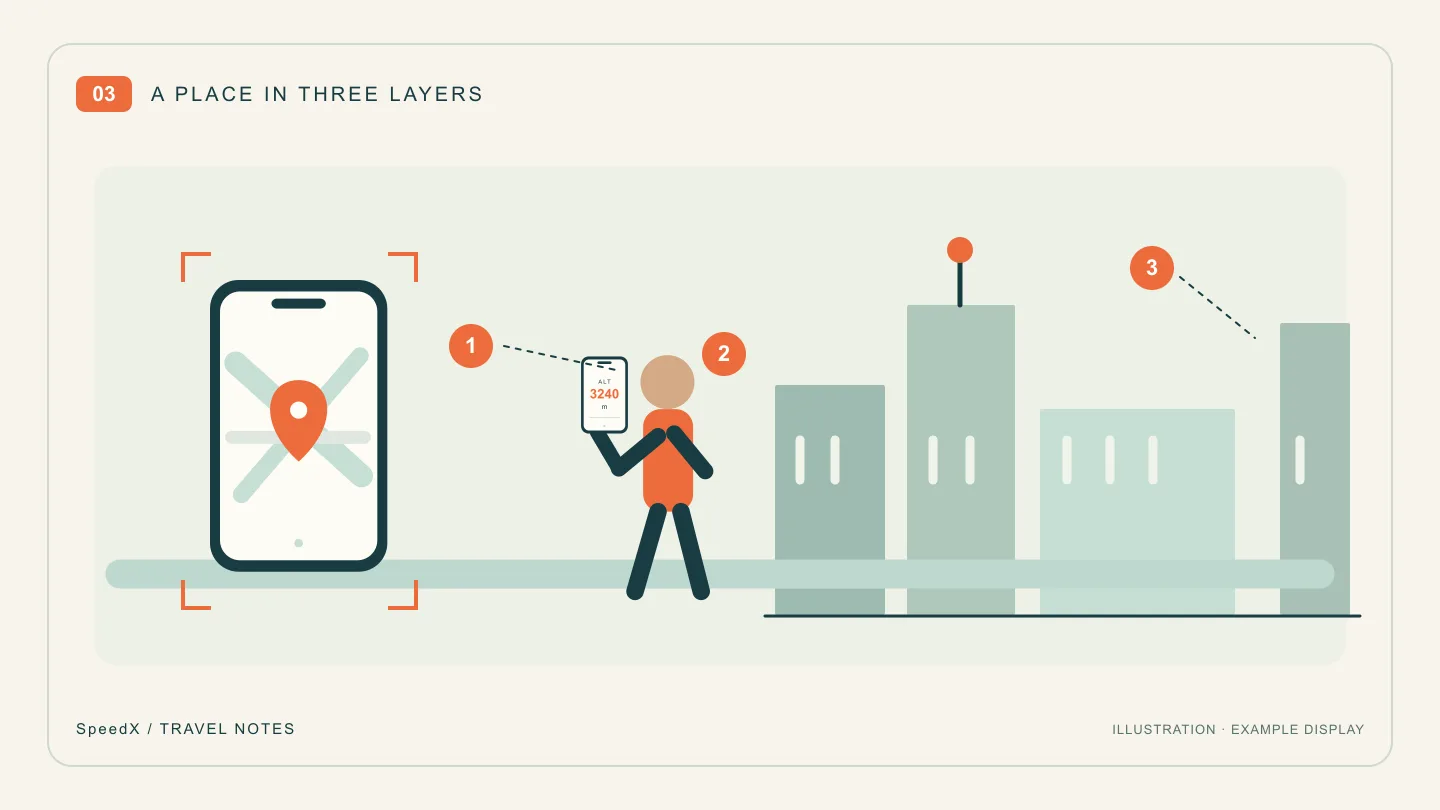
Choose what “location” should mean in this picture
A map, coordinates and a place name serve different purposes. A map offers visual context; coordinates describe a position; a caption gives readers a name they can remember. They do not all have to fit inside one tiny screen.
SpeedX includes GPS positioning and a map showing your current location and surroundings, as described in its App Store listing. Use the display that is actually available on your device. If the landmark's name is not shown, add its verified name in your own caption rather than suggesting the app identified it automatically.
Take three photographs at the same stop
First, establish the place. Take a wide picture with the landmark clearly visible. Place yourself to one side, leaving a recognizable outline, sign or part of the waterfront unobstructed. Your screen does not need to be readable in this frame.
Next, make the location portrait. Use another phone or camera to photograph you holding SpeedX near chest height, screen facing the lens. Bring the camera closer, keep the display near your body's plane and retain a distinctive part of the landmark beside you. A slight turn can avoid a reflection without hiding the information.
Finally, photograph a local detail. Choose a street sign, public entrance sign or architectural detail that helps distinguish this stop from the next. This is also useful if the map cannot load or the screen is hard to photograph: your album still has a clear visual location record.
At a busy sightseeing spot, decide the composition before your turn and use an open visitor area. The same plan works at a quiet neighborhood bridge; it does not require a currently fashionable destination.
Put readable names in the caption
Try this structure: “Place or landmark · area where the photo was taken · one thing you noticed.” For example, write about the riverside promenade you stood on, rather than implying that you were inside the building visible across the water.
If you also keep coordinates, retain the latitude and longitude labels, signs and original format. Do not invent decimal places to make a caption look more precise. The coordinate reading and sharing guide explains the format checks. A position alone does not identify an entrance, floor or publicly accessible route.
A location portrait is different from a photo geotag
Here the information is visible because a camera photographed the phone. This method does not add GPS metadata, insert an automatic place-name watermark or verify your presence for a venue's check-in system. Those are separate functions.
Keep exact personal locations for the audience you intend to share them with. For a public travel post, a landmark name and neighborhood may provide all the context the story needs.
For the next stop, use SpeedX on iPhone to prepare the location display, then take the wide view, the screen portrait and the detail. The three-photo travel journal shows how to arrange them afterward.
Related Articles
2026-10-22
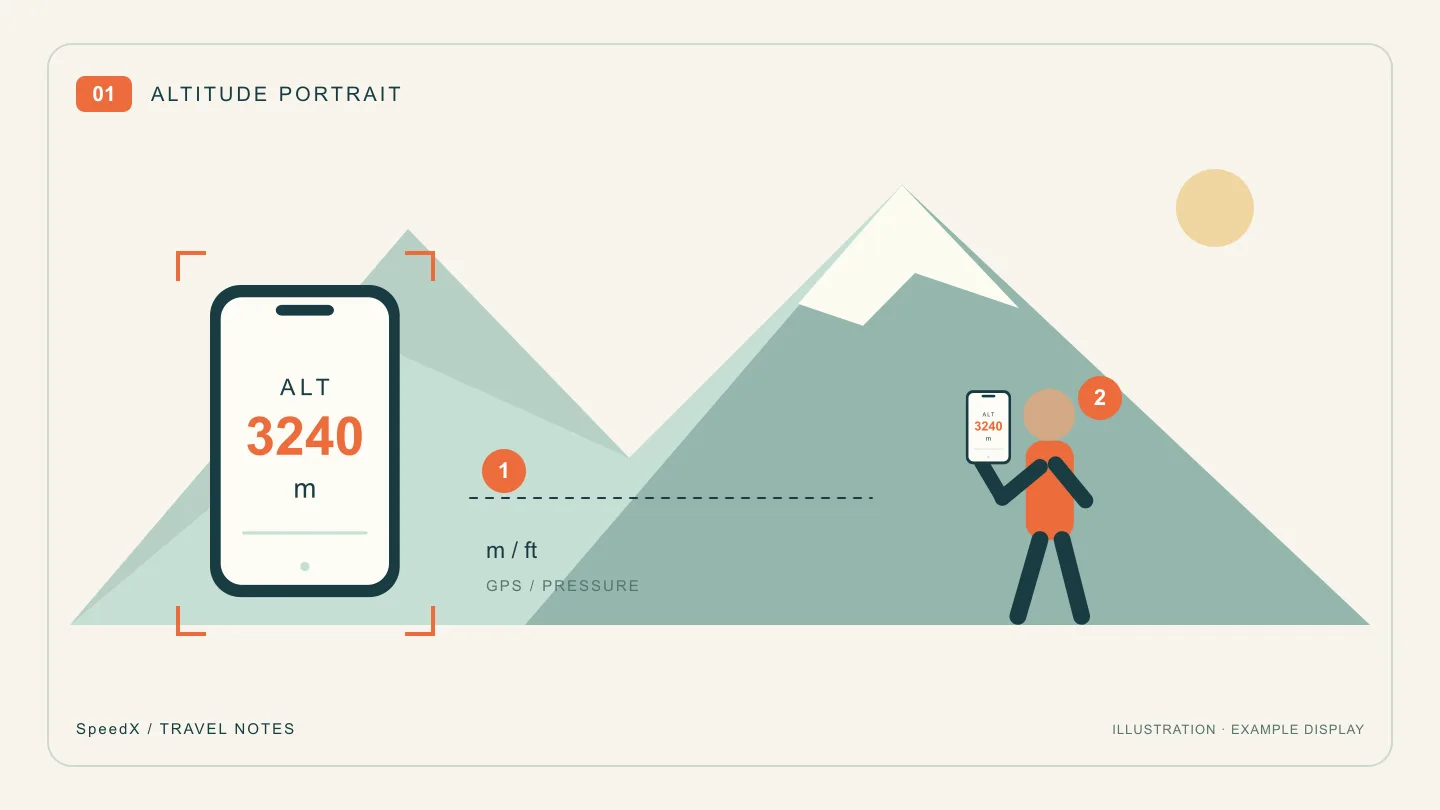
Altitude Photo Ideas: Pose With Your Elevation and the View
Take a mountain travel photo with your current altitude on a phone screen. Plan the pose, frame the view and keep the reading legible with SpeedX.
2026-10-22
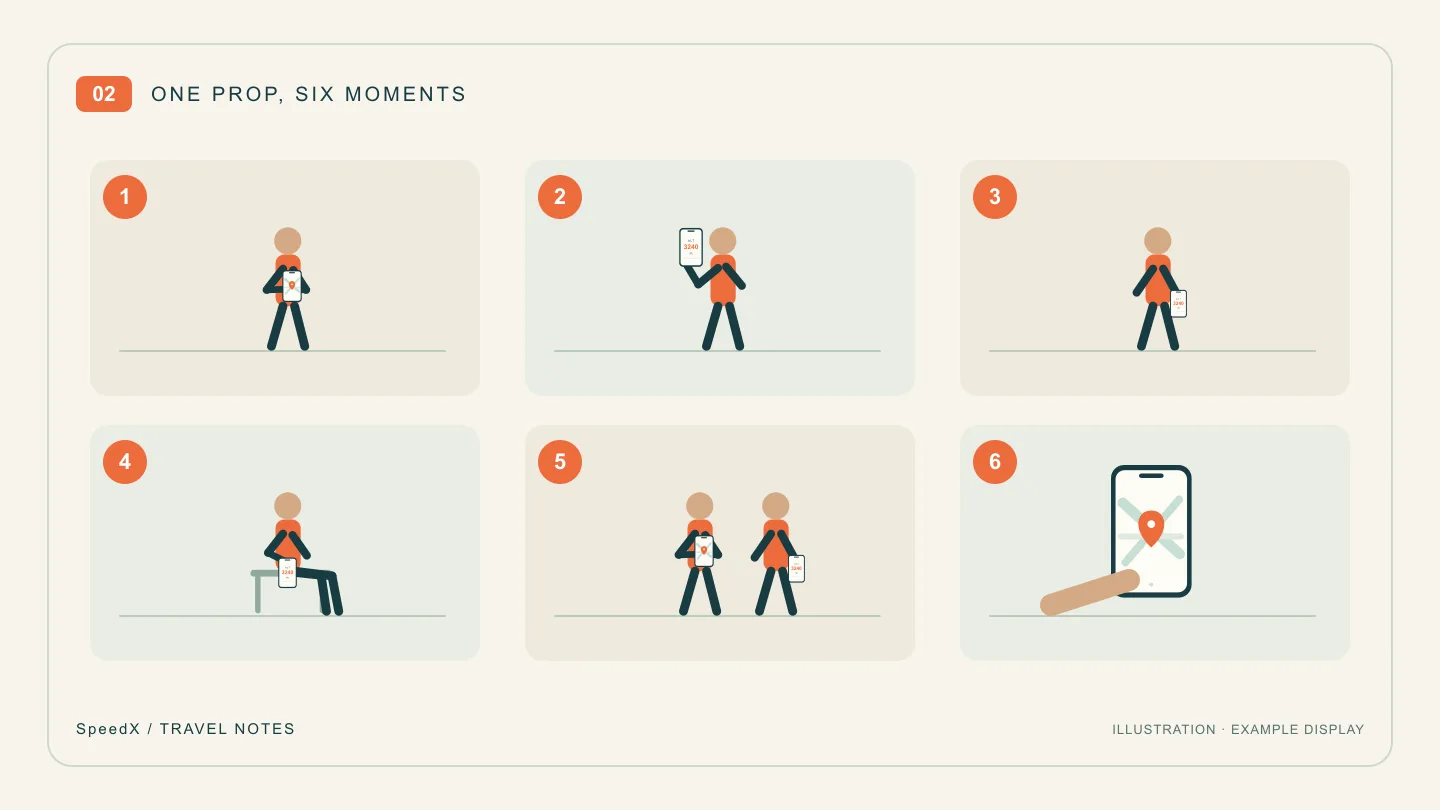
6 Natural Travel Photo Poses With a Phone in Your Hand
Not sure what to do with your hands in travel photos? Try six phone-based poses for city streets, waterfronts and viewpoints, with simple framing cues.
2026-10-22
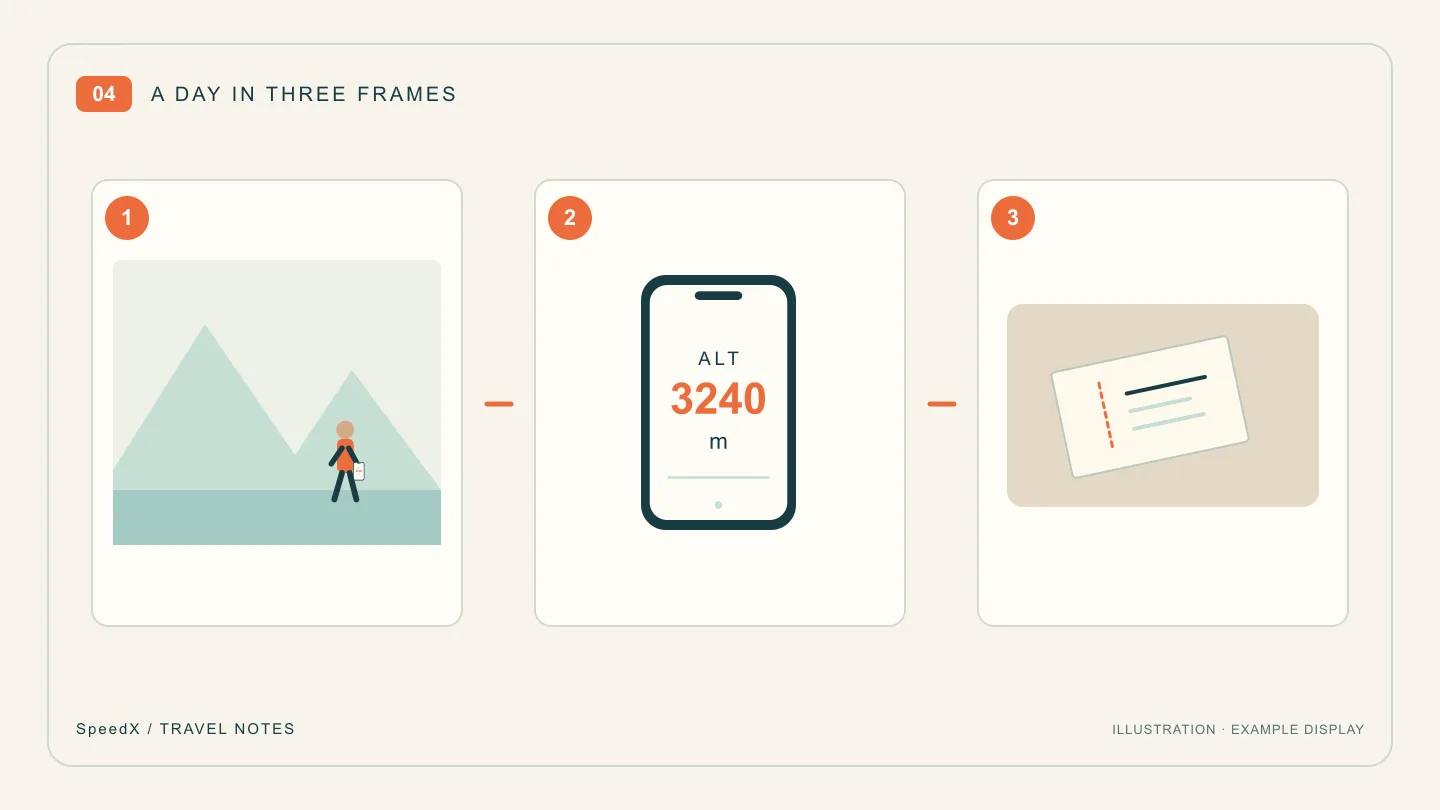
A Three-Photo Travel Journal: Place, Altitude and One Small Detail
Turn a day trip into a short photo story with an establishing view, an altitude portrait and a telling detail. Includes a caption template to make your own.