Record a City Walk: Keep Your Route, Walking Speed and Elevation
A city walk tracker is useful even when you have no destination or fitness goal. Start recording before exploring an unfamiliar neighborhood, save the trip afterward and you have a route to revisit. Speed and elevation add context: where you moved slowly, where the streets rose and which stretch you might enjoy again.
This works for a holiday afternoon and for discovering a part of your own city you rarely visit. You can wander without deciding the whole route first.
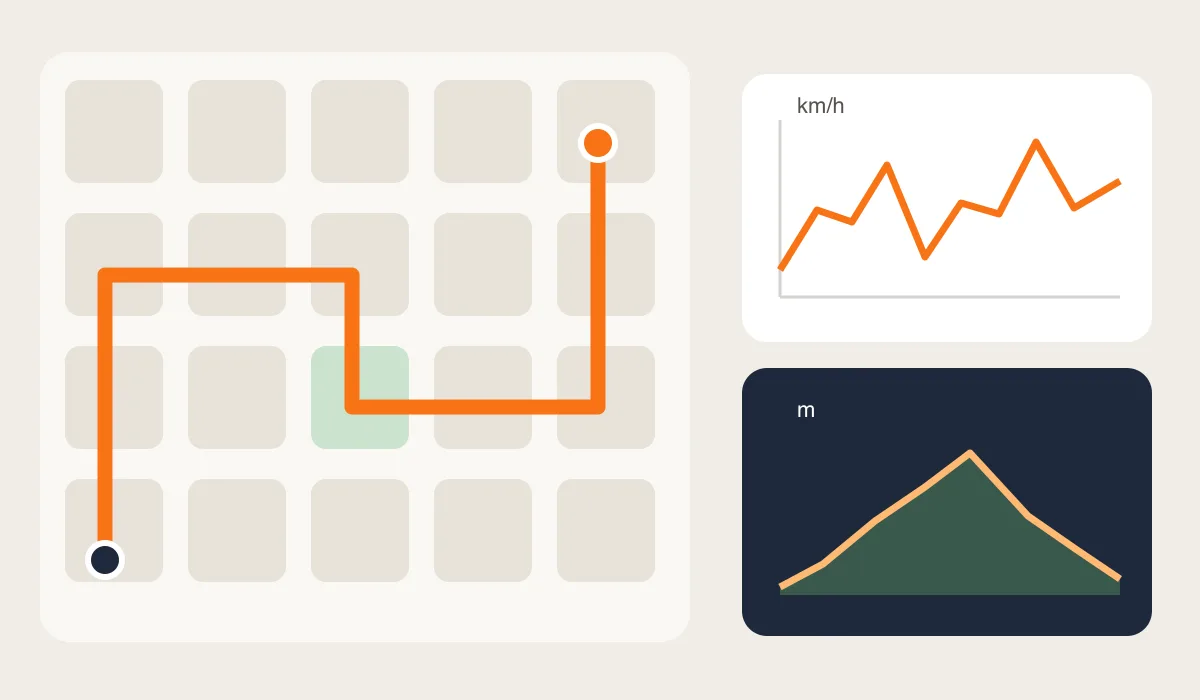
Three questions, three kinds of information
The route answers “where did I go?” It preserves the sequence of streets and detours. It can help you find the stretch between a market and a riverside path or explain why you returned to the same square twice. A route line alone does not tell you which café you entered.
Speed answers “how fast was I moving there?” A slow section might coincide with browsing storefronts, an uphill street or traffic lights. Read it alongside the map and your memory; a low reading does not establish why you slowed down. A momentary spike is not evidence that you actually walked that fast.
Elevation answers “how high was this location?” Point readings give altitude context along the outing. A highest-minus-lowest calculation gives the recorded altitude range, not total climbing. Repeated climbs can add up even when you end near your starting elevation.
A simple SpeedX workflow for a spontaneous walk
The current SpeedX listing describes trip recording, maximum speed, highest and lowest altitudes, and speed and altitude details for recorded points. It also lists GPX import/export and local backup. These are iOS App features; the separate browser instruments do not provide the same saved trip workflow.
- Before leaving: allow location access, choose consistent units and start a trip. Confirm that your position and route are updating. Test a short locked-screen walk before relying on the setup for a whole afternoon.
- While exploring: leave the route free to develop. For a place worth returning to, save a map pin or take a sign photo separately. If you switch to a bus or train, make a note or save the walk and start a separate recording so you can interpret the data later.
- After the walk: finish and save the trip. Check for missing sections, look over the recorded points and connect interesting stretches with your photos or notes. Export or back up a recording you want to keep.
You do not need to watch the display continuously. A brief check at a stop can confirm that recording is still working without making the walk revolve around numbers.
How fast was the whole outing?
Consider an illustrative afternoon: 6 km in 2 hours, with 30 minutes spent sitting and browsing. The whole-outing average is 6 ÷ 2 = 3 km/h. If moving time was 1.5 hours, the moving average is 6 ÷ 1.5 = 4 km/h. That speed corresponds to 15 min/km.
These are calculations, not measurements from a SpeedX trip or a claim that every version displays both averages. Your recording's pause behavior and time definition matter. A relaxed outing with long stops can have a low overall average even if your walking sections felt brisk.
For a repeat visit, separate walking from browsing time. Do not predict arrival using a whole afternoon's average if the next outing will have different stops.
What a hill reading can and cannot tell you
Imagine recorded altitudes of 35 m at the start, 95 m at a viewpoint and 40 m at the finish. The recorded range is 60 m and the finish is 5 m above the start. Neither number gives total ascent unless you know everything that happened between those points. These values are illustrative, not a measured route.
Small point-to-point changes may also be noise. GPS.gov notes that signal blockage and surrounding buildings affect accuracy. Be cautious with sudden jumps or a track that cuts through buildings. Do not infer a staircase, slope percentage or precise hill height from a few unstable readings.
The useful result is a record you can understand: the streets you explored, the sections you enjoyed and enough context to plan another walk. For exact shop locations, combine the route with saved pins and photos.
Tools and the next step
Related Articles
2026-10-22
A Three-Photo Travel Journal: Place, Altitude and One Small Detail
Turn a day trip into a short photo story with an establishing view, an altitude portrait and a telling detail. Includes a caption template to make your own.

2026-10-01
Average Speed vs Moving Speed: Why Stops Matter
Calculate average and moving speed with a worked example and understand why pauses and recording settings change trip statistics.
2025-12-15
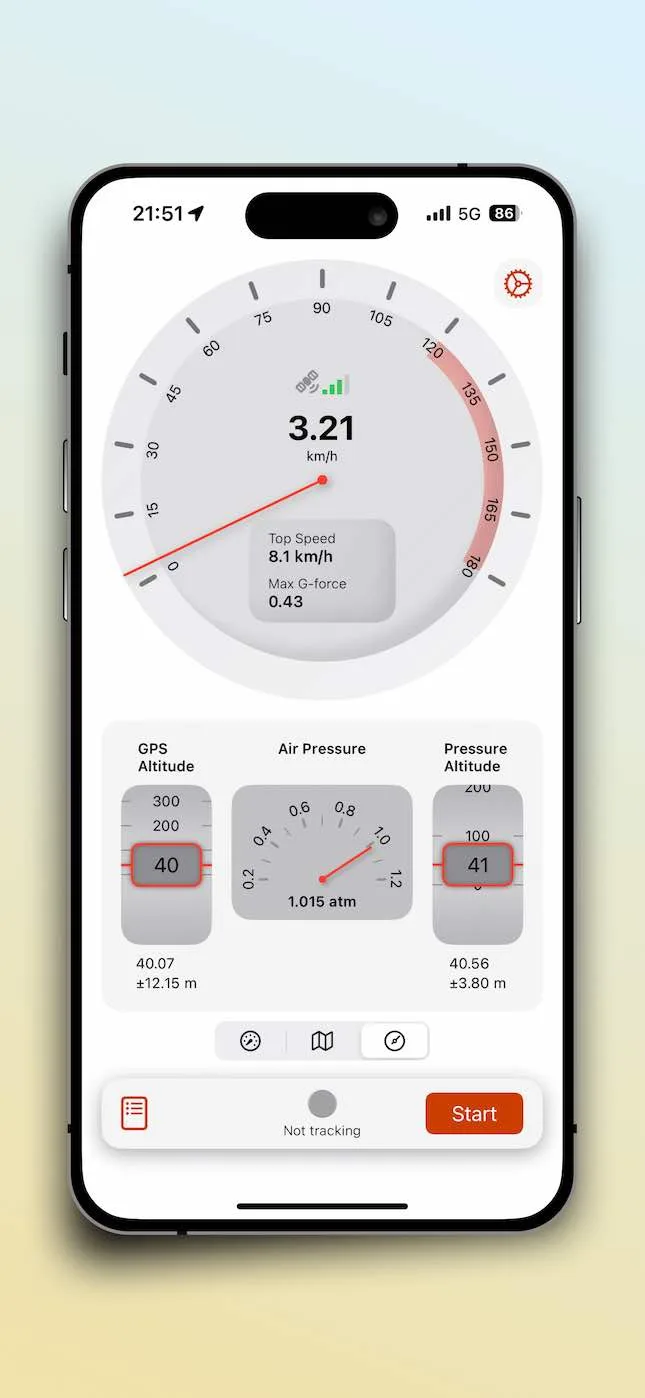
The Relationship Between GPS Elevation and Barometric Elevation: How SpeedX Provides Accurate Altitude Data
Learn the difference between GPS elevation and barometric elevation. SpeedX combines GPS and barometric sensors to provide precise altitude data for outdoor adventures and sports training.