Treadmill Pace vs Watch Pace: Why the Numbers Differ
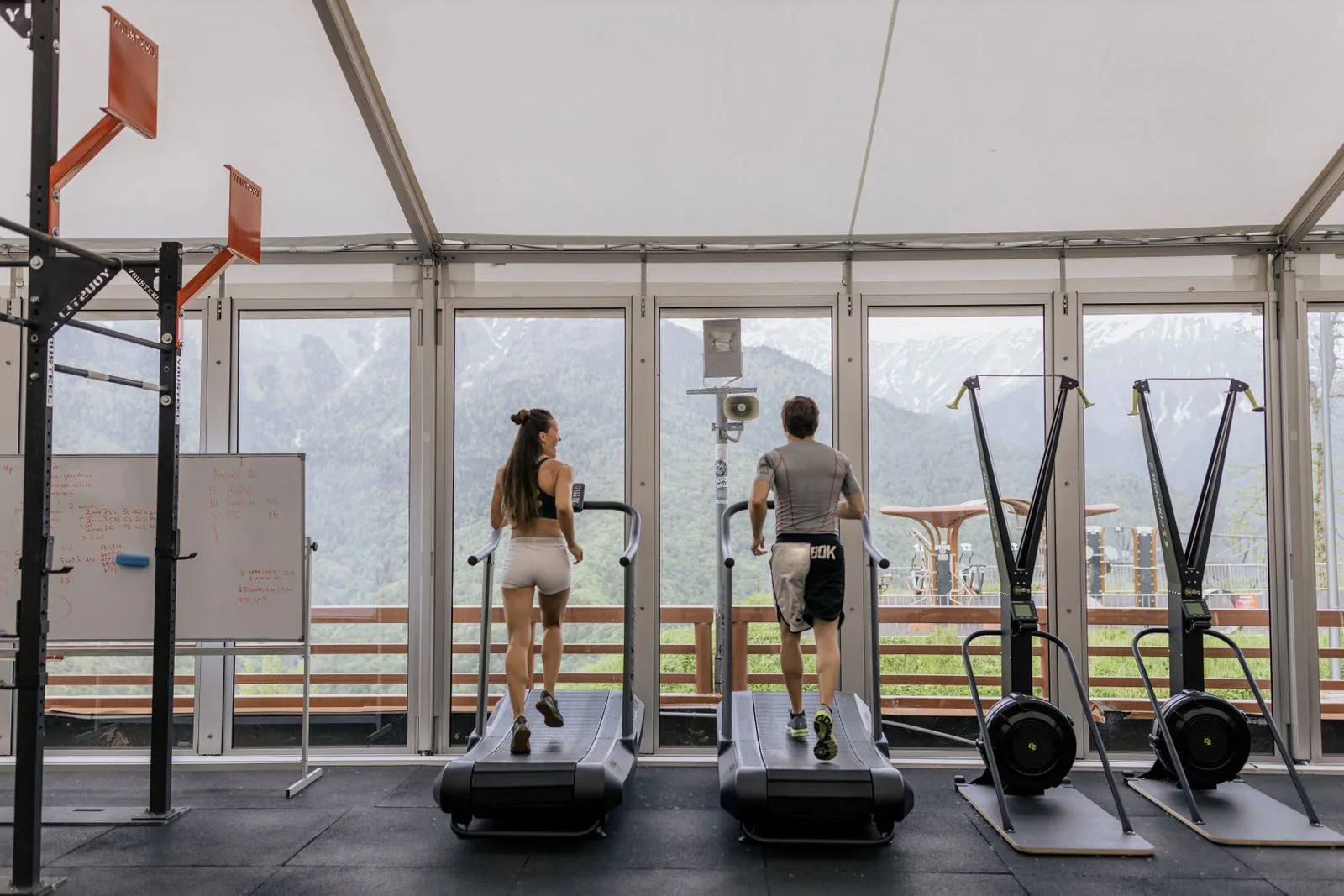
Anastasia Shuraeva · Pexels · Pexels License
The treadmill says you covered 5 kilometers, but your watch records 4.5. Both used the same 30 minutes, yet their average paces are different. This does not, by itself, tell you which device is correct: they may obtain distance in different ways.
Before adjusting anything, identify where each number comes from and make sure you are comparing the same part of the workout.
What each device measures
| Data source | What to understand before comparing |
|---|---|
| Treadmill console | Speed and distance describe the machine's belt movement; how the display derives them depends on the model |
| Watch using wrist-based indoor estimation | Motion sensors and the device's estimation or calibration method supply distance and pace |
| Watch receiving a compatible running sensor | That accessory may supply the pace or distance; check which source is active |
| Outdoor GPS recording | Geographic movement is measured or estimated using satellite-derived data and the device's processing |
On a treadmill, the belt moves while you remain approximately in the same geographic location. A GPS speed reading therefore cannot directly represent the belt speed you are running against, even if satellite reception is available.
For supported devices, Polar explains that wrist movements measured by an accelerometer can supply speed and distance when GPS or a stride sensor is not used. Do not assume every watch uses the same method, or that your watch uses wrist estimation when an accessory is connected.
A mismatch is a reason to investigate the data sources. Matching numbers alone would not prove that either source is independently accurate.
Compare like with like first
Check these before treating the difference as a calibration problem:
- Distance units: kilometers and miles are different units.
- Speed versus pace: 10 km/h is 6:00 min/km, not a pace of 10 minutes per kilometer.
- The recording window: did both include the warm-up, recovery intervals and cool-down?
- Pauses: did one recording stop while the other continued?
- The statistic: current pace, lap pace and session average pace are different comparisons.
The same workout can have different averages if the devices include different time periods. See average speed versus moving speed for a worked example of how stops change a result.
How a distance difference changes pace
Average pace is included time divided by recorded distance. This hypothetical example uses the same 30-minute period for both records:
| Record | Distance | Calculation | Average pace |
|---|---|---|---|
| Treadmill display | 5.0 km | 1,800 seconds ÷ 5.0 | 6:00 min/km |
| Watch summary | 4.5 km | 1,800 seconds ÷ 4.5 | 6:40 min/km |
The 40-second pace difference follows from the recorded distances. It does not establish a change in your performance or identify which distance is correct. These are illustrative numbers, not SpeedX test results.
For a constant displayed speed, the conversion is pace in min/km = 60 ÷ speed in km/h:
| km/h | min/km |
|---|---|
| 8 | 7:30 |
| 10 | 6:00 |
| 12 | 5:00 |
Use the speed converter to translate a displayed km/h value. Use the pace calculator for a positive distance and duration. Both perform arithmetic; neither verifies a treadmill or calibrates a watch. For changing speeds, calculate the session average from total distance and the same included time rather than simply averaging pace values.
Check calibration for your particular device
For Apple Watch, Apple recommends an outdoor walk or run in a flat, open area with good GPS reception for about 20 minutes. It also describes calibration at different walking or running speeds. This helps the watch learn stride behavior when GPS is limited or unavailable; it does not guarantee that every treadmill record will match.
Some Garmin devices offer a different procedure. The Instinct E manual describes recording at least 1.5 km on the watch in a treadmill activity, then entering the treadmill distance through its save or calibration flow. Check your model's manual: that threshold and menu are not universal Garmin instructions.
Entering the treadmill distance aligns calibration with that reference. It is not a separate verification of the machine. If the console itself is suspect, follow the treadmill manufacturer's inspection or service guidance rather than treating it as an unquestionable standard.
Make future records easier to compare
For comparable sessions, note the treadmill, watch model, workout mode, active pace source, units and recording window. Record whether calibration settings changed. When possible, compare repeat sessions under similar conditions and inspect the individual records before combining them.
This gives you a useful trail of evidence: a difference that appears after changing equipment or settings can be investigated. A single faster-looking pace should not be taken as proof of improvement when the measurement method changed too.
Tools and further reading
Related Articles
2025-11-20
What is the Average Walking Speed? How SpeedX Helps Measure Your Pace
Discover the average walking speed for different age groups and how SpeedX app helps you measure and convert between walking speed, running pace (min/km) and other speed units (km/h, mph).
2025-09-05
How to Convert Between Pace and Speed Units in SpeedX
Learn how to easily convert between different speed units like pace (min/km) and speed (km/h) in SpeedX app. Perfect for runners, cyclists, and fitness enthusiasts who need flexible speed measurements.
2025-05-20
Enhance Your Walking and Running Experience with SpeedX
Discover how SpeedX app enhances your walking and running experience with real-time pace tracking, voice announcements, and detailed trip recording. Perfect for casual walkers and serious runners alike.