Cycling GPS vs. Wheel Speed Sensor: Which Should You Use?
Use GPS if you mainly ride outdoors and want your speed alongside a map of the ride. Add a wheel speed sensor if weak GPS reception regularly interrupts the bike speed reading you need, or if you ride indoors on a setup where the measured wheel turns. For live speed and a route map, use both with a compatible computer or app.
Will Truettner / Unsplash · License
What does each one measure?
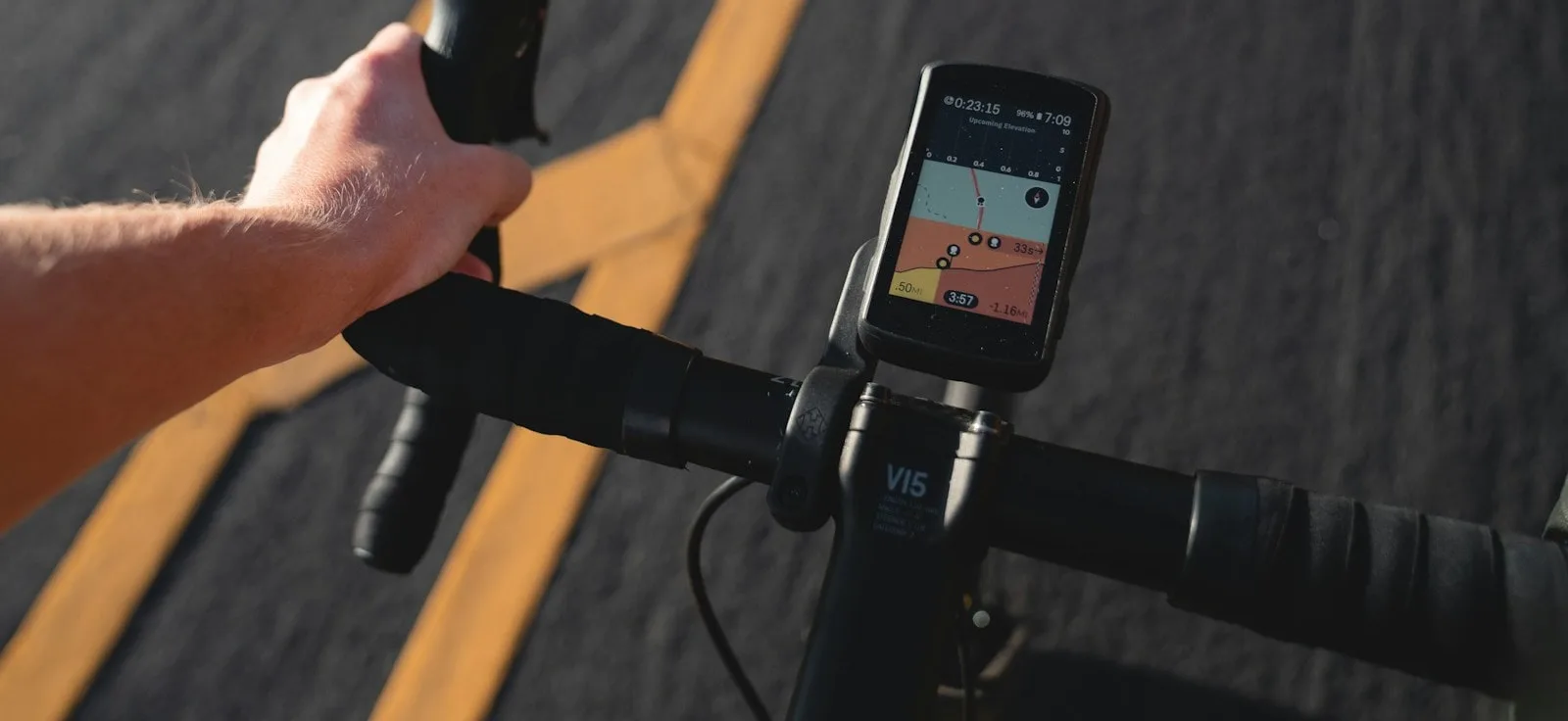
GPS-based speed estimates how fast the receiver moves over the ground. A GPS-enabled device can also log where you rode. Buildings, trees and tunnels can weaken or block satellite signals, which can make speed readings jump or disappear. GPS.gov on reception and accuracy
A wheel speed sensor detects turns of the wheel. The receiving device uses those turns and the configured rolling circumference to calculate speed. That calculation can continue below ground or indoors while the sensor is connected and the wheel turns. The sensor supplies wheel motion. Plotting a route still requires location data. Wahoo on how a hub sensor works · Strava on wheel-based distance
Choose based on where you ride
- Open roads and casual rides. Start with GPS if you want to see speed and save the route. Check a few familiar rides before buying hardware.
- Tree cover, tall buildings and tunnels. Consider a sensor if speed repeatedly drops out in the same places. It can supply speed during those gaps. The saved map may still have gaps.
- Indoor rollers or a wheel-on trainer. A sensor on a wheel that turns can report wheel speed. On a direct-drive trainer with the rear wheel removed and the front wheel stationary, use speed data from the trainer or its app if available. Indoor speed then describes the setup or a simulation, depending on the system.
Before buying a sensor, confirm that your recording app or bike computer supports the sensor and can use it as a speed source. For example, Apple documents pairing compatible Bluetooth cycling sensors with the Apple Watch Workout app. Check the receiving app as well as the wireless protocol. Apple Watch cycling guide
Measure the circumference before comparing readings
Inflate the tyre to your usual riding pressure. Put the valve at the bottom, mark the ground, roll the wheel straight through one complete turn, and measure the distance between the marks. Enter that value in the units your receiver asks for. Repeat after changing tyres if the readings shift. Wahoo’s rollout measurement instructions
For example, at 2 rotations per second, a circumference of 2.10 m gives 4.20 m/s, or 15.12 km/h. Enter 2.16 m for that same wheel and the calculated speed and distance both rise by about 2.9%. That is a calculation example using a fixed rotation rate.
Try GPS on a familiar ride
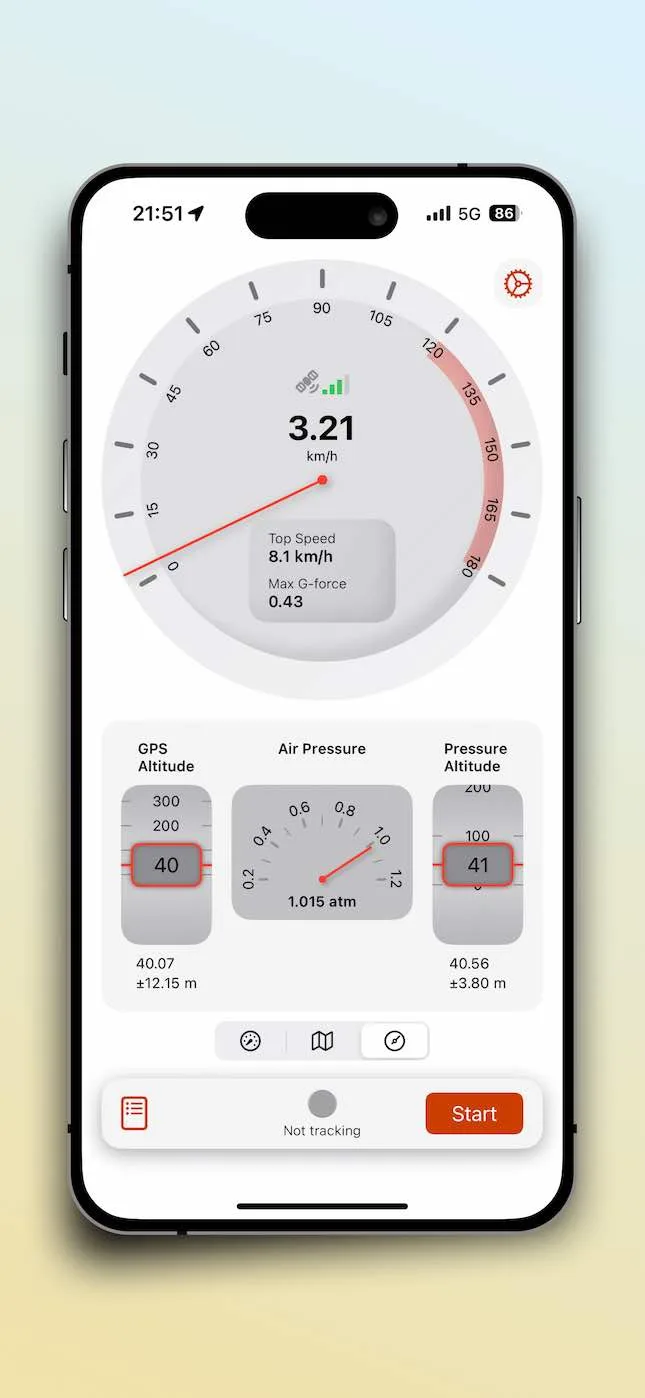
Record a loop with SpeedX on iPhone if you want to see GPS speed and revisit the route afterward. Compare the same stretch under open sky and under cover. If the speed only drops out under cover, a wheel sensor is worth considering. If the speed looks fine during the ride but the exported total differs in another app, check how the receiving app calculates GPX distance. SpeedX on the App Store · Why the same GPX file can show different distances
Related Articles
2026-11-10
Small-Wheel Bike Gearing: How to Compare Gear Inches
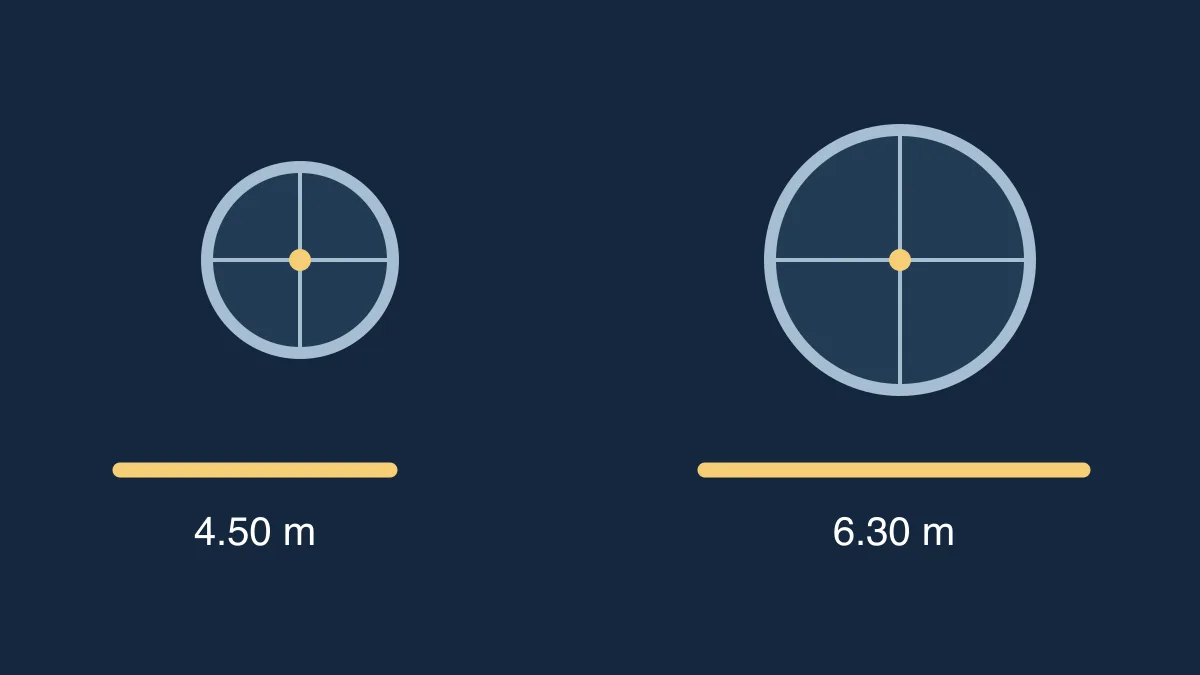
Use gear inches and rollout to compare a folding bike with a larger-wheel bike, even when both have the same sprockets.
2026-03-05
Cycling Ride Data: Understanding Speed, Distance and Elevation
Track your rides with professional-grade telemetry. Speed, altitude, gradient, and route mapping — everything a cyclist needs in one app.
2025-12-15
The Relationship Between GPS Elevation and Barometric Elevation: How SpeedX Provides Accurate Altitude Data
Learn the difference between GPS elevation and barometric elevation. SpeedX combines GPS and barometric sensors to provide precise altitude data for outdoor adventures and sports training.