Altitude App vs Height App: What Do You Want to Measure?
An altitude app helps you inspect the vertical position of your phone. A height app may instead measure a person, an object or a change from a starting point. Before choosing one, complete this sentence: “I want the height of ___ above ___.” The second blank determines which tool you need.
For a hiking viewpoint, you probably want elevation. For a shelf, you want a physical dimension. For a balcony, you may want clearance above the ground below. All can be expressed in meters, but they are different measurements.
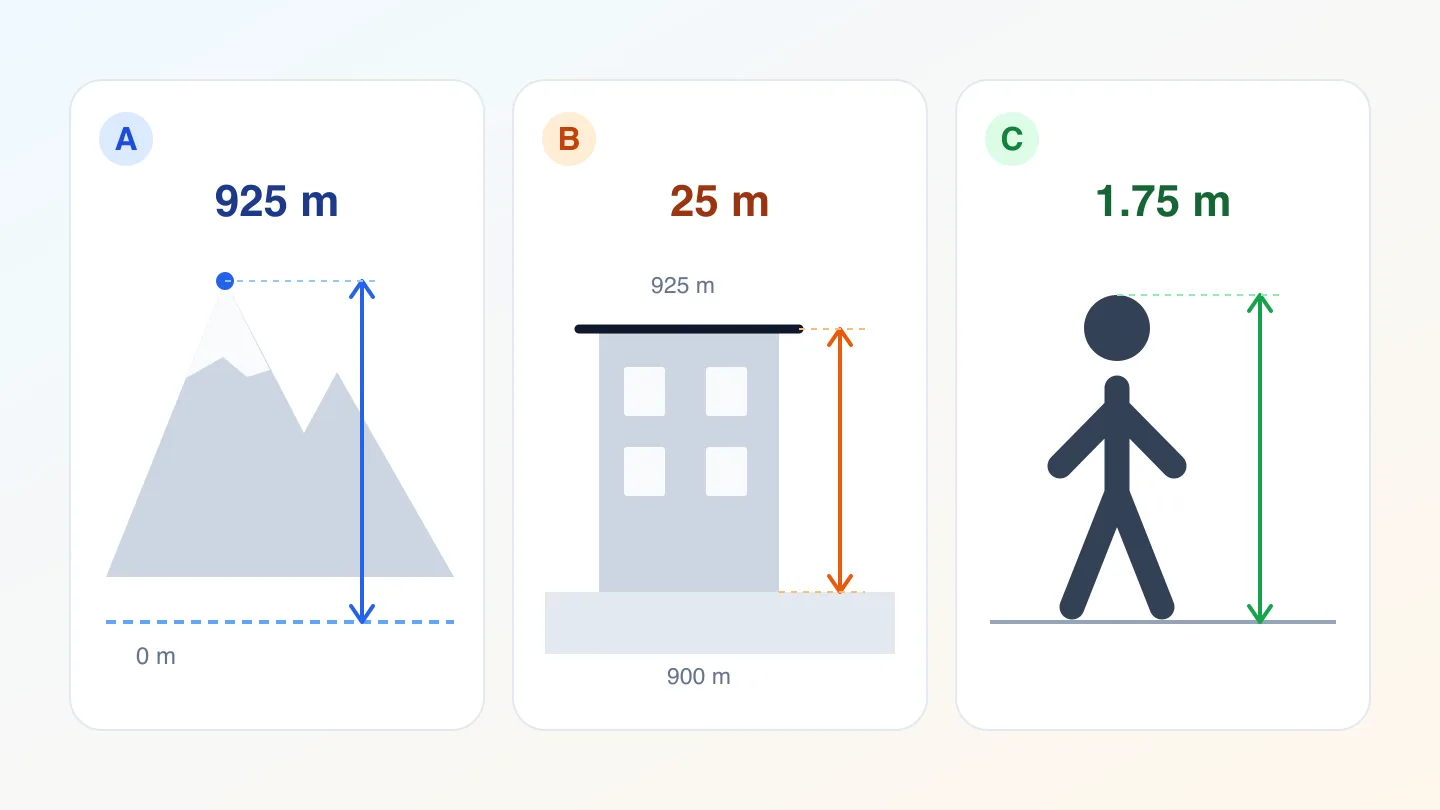
Original schematic, not to scale. A illustrates elevation; B, height above local ground; C, a person's stature. All numbers are fictional examples.
Match the question to the measurement
| Your question | Measurement to look for |
|---|---|
| How high is my current location? | Altitude or elevation with a named reference |
| How far above the ground is this terrace? | Vertical distance to the ground directly below |
| How much higher am I than the start? | Relative height change from a chosen baseline |
| How tall is this person or object? | Floor-to-top or base-to-top dimension |
An app title alone does not tell you which of these it supplies. Read the labels and documentation before comparing numbers.
When an altitude app fits
An altimeter app suits a question such as “What is the elevation at this viewpoint?” Check the data source and reference surface, not just whether the unit is meters or feet.
For example, the browser altitude field references the WGS84 ellipsoid. A map may use a sea-level datum. Their raw values need not match.
Pressure-derived height has another reference. The current SpeedX web altimeter uses a fixed 1013.25 hPa baseline when pressure data is available. That is a standard-pressure estimate, not a measurement calibrated to today's local sea-level pressure. The National Weather Service's pressure definitions explain why the pressure setting matters.
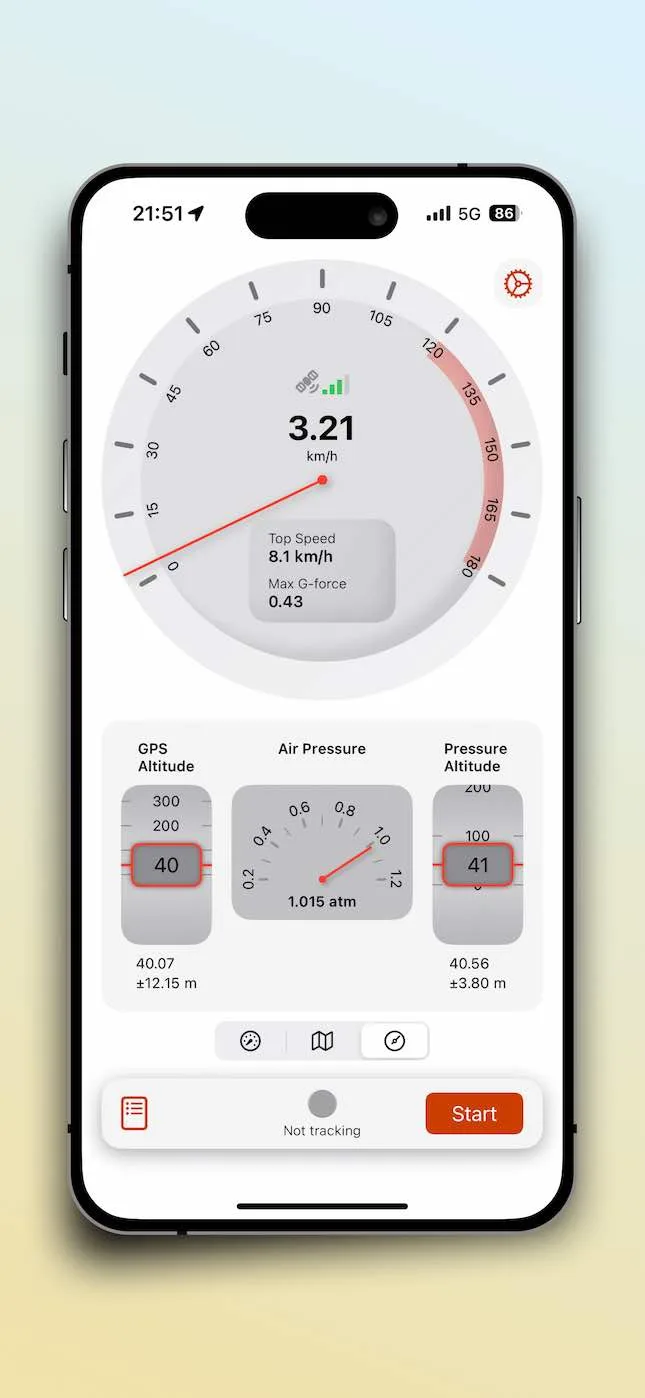
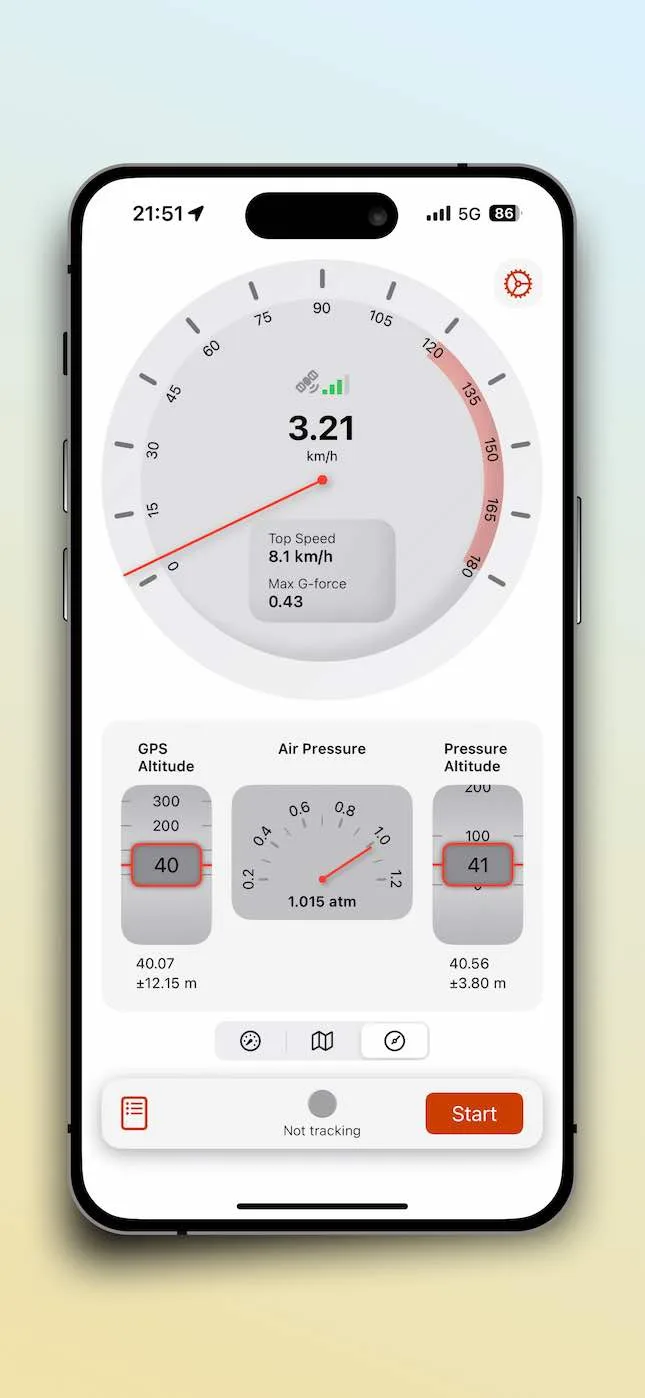
For an iPhone option, the SpeedX App Store listing describes GPS and pressure altitude. Check sensor availability on your device. The online altimeter is a separate browser tool; phone hardware does not guarantee browser access to pressure.
Why elevation is not height above the ground
Suppose a terrace is at 925 m and the ground directly below is at 900 m, both measured from the same reference. The terrace is 25 m above that ground: 925 − 900 = 25.
The 925 m reading alone cannot supply the 25 m clearance. You also need the ground value at the correct location and a compatible reference. A nearby road's elevation is not necessarily the ground beneath the terrace, and a terrain model may not represent a roof or balcony.
This is also why a phone showing 925 m does not mean that a building is 925 m tall. Do not use that number to assess clearance or the safety of an edge.
When you mean a person or object's height
For a person's stature, choose a measurement tool designed for floor-to-head distance. Apple's Measure app supports person-height measurement on supported iPhone models. Check the model requirements before assuming your phone offers it.
An altitude reading cannot replace a body-height measurement. For a shelf or other object, identify its base and top, then use a suitable measuring tool. A tape measure is often the clearest way to check a small physical dimension.
Relative height is a third useful question
If you start at 900 m and finish at 925 m using a compatible reference, the net change is +25 m. That does not establish total ascent: a route can climb, descend and climb again before finishing 25 m higher.
When comparing tools, check whether a value means current elevation, change since a reset, or accumulated ascent. Do not assume every altimeter app includes all three. For unexplained changes while stationary, see why phone altitude drifts.
A quick check before you choose
- Name the target: your location, the ground below, a person or an object.
- Name the reference: a sea-level datum, an ellipsoid, the local floor or your starting point.
- Confirm the source, unit and any uncertainty shown. Extra digits do not identify the reference.
- Compare like with like before deciding that either app is wrong.
If you try SpeedX online, remember that the current web altimeter can show zero when altitude data is missing. An unexplained zero with no altitude-accuracy value is not confirmation that you are at sea level. Establish what was measured before interpreting the number.
Related Articles

2026-10-01
Why Your Phone’s Altitude Changes While You Stand Still
Learn why stationary altitude readings drift, how pressure and GPS differ, and how to avoid mistaking noise for elevation gain.
2025-12-15
The Relationship Between GPS Elevation and Barometric Elevation: How SpeedX Provides Accurate Altitude Data
Learn the difference between GPS elevation and barometric elevation. SpeedX combines GPS and barometric sensors to provide precise altitude data for outdoor adventures and sports training.
2025-03-18
How Accurate Is Your Phone's Altitude Reading? Understanding GPS Height, Barometric Height, and True Elevation
Discover how accurate your phone's altitude reading really is. Learn about GPS height, barometric height, true elevation, and why they differ. SpeedX app helps you understand these measurements.